

You and I sift through a lot of data for our jobs. Data about website performance, sales performance, product adoption, customer service, marketing campaign results … the list goes on.
When you manage multiple content assets, such as social media or a blog, with multiple sources of data, it can get overwhelming.

It’s official: In certain parts of the world, there are now more Google search queries on smartphones than on desktop computers and tablets.
This week, Google’s Jerry Dischler wrote in a post on the official AdWords blog that “more Google searches take place on mobile devices than on computers in 10 countries, including the U.S. and Japan.”

Between calendar updates, emails, and social media notifications, it can often seem like your computer is working against you.
But, as distracting as it may seem, your computer actually has lots of ways to save you time at work. Considering data from Atlassian revealed that 60% or less of work time is actually spent productively, it’s clear that time is something you could probably use a lot more of.

I don’t know about you, but there are a number of really awful things I’d rather endure than sitting through a boring Powerpoint presentation.
Seriously, I’d rather eat burnt popcorn, go get my oil changed, or dare I say it, get a paper cut in between my fingers than suffer through a bad deck.

When you’re designing cover photos, graphics, and other social media assets, sometimes knowing the bare bones image dimensions isn’t enough.
What if you wanted to place text or an arrow on your Facebook cover photo without it getting covered by the profile photo? And what about the shared link thumbnails on Facebook or in-stream photos on Twitter … how big should those be?

If you’ve ever wondered how designers at Apple defined every little element in iOS as they were building it, then you’re in the right place. Ready to nerd out and get inspired all at the same time? I sure am.
You might be familiar with the concept of content style guides, which align members of a company on all the grammar and punctuation rules they should follow. In this post, I’ll be showing you examples of the version of these style guides for web designers, which we call digital style guides.
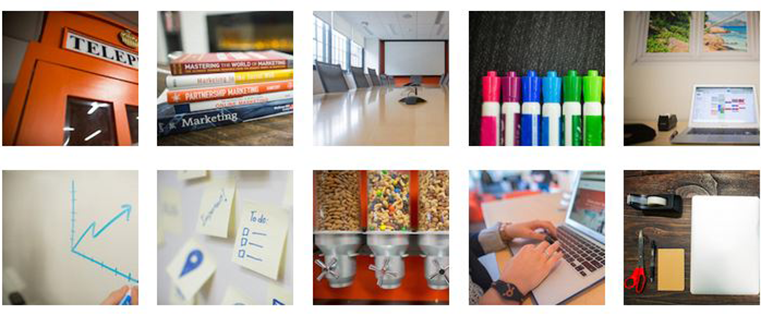
Let me tell you a quick, cautionary tale about copyright law and using photos and images online. A couple years ago, a popular stock photography vendor claimed copyright infringement on an image we used in one of our ebooks.
Embarrassed, I quickly investigated.
As it turned out, another internet user had purchased the offending image from that same stock photography service and uploaded it to a photo-sharing website under a Creative Commons license. So while on the surface it looked safe for the taking, it was in fact falsely promoted as a royalty-free image … and we were in the wrong. Scary story, right?
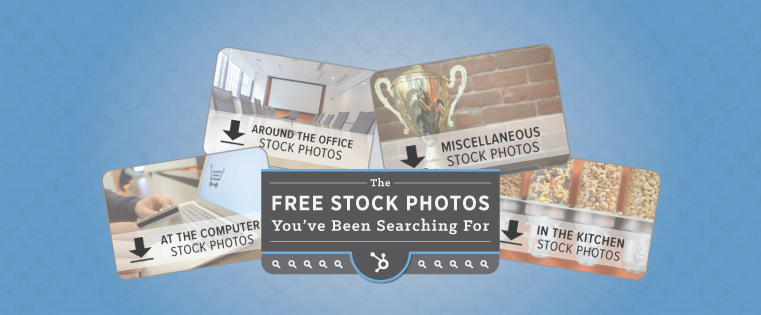
Finding the perfect free stock photo … what a feeling!
It’s like finding a black pearl in an oyster, or like finding a golden Chachapoyan fertility idol in a booby-trapped Peruvian temple (hat tip, Indiana Jones).
Why is it so rare to find a free stock photo that’s the perfect fit for your blog post, email, or other piece of content?
Optimizing your web pages shouldn’t just be a task on your to-do list. It should be an overarching strategy — something you think about and test and tweak every single day.
Why? Because your website is how people get to know your brand, and having optimized web pages will make for a more engaging and delightful experience. Plus, you’ll see greater returns on the content you publish across your marketing channels.

When I was in high school, I was always doodling in my notebooks. Hand-drawn letters and little pictograms covered my homework, tests, and papers. I would get lost in creating new ways to write out my name or drawing cartoon representations of my friends. Teachers were constantly telling me to to “knock it off” and focus on my studies.
Eventually, I did knock it off — mostly because I realized I wasn’t that good at drawing on paper.